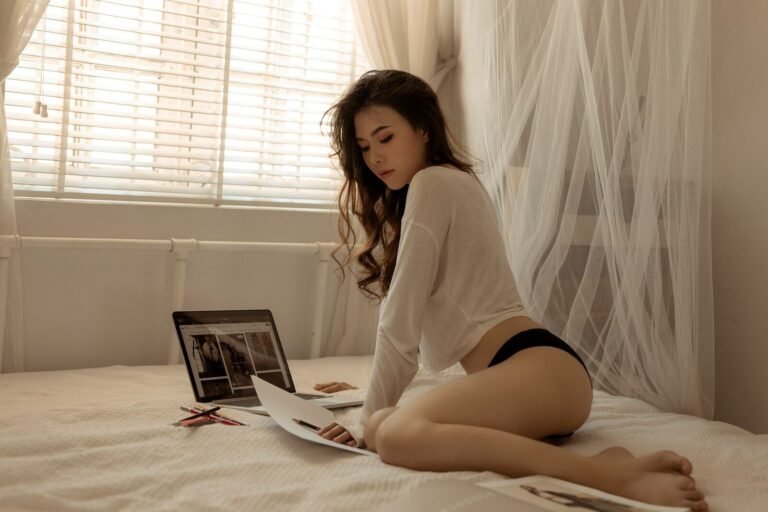
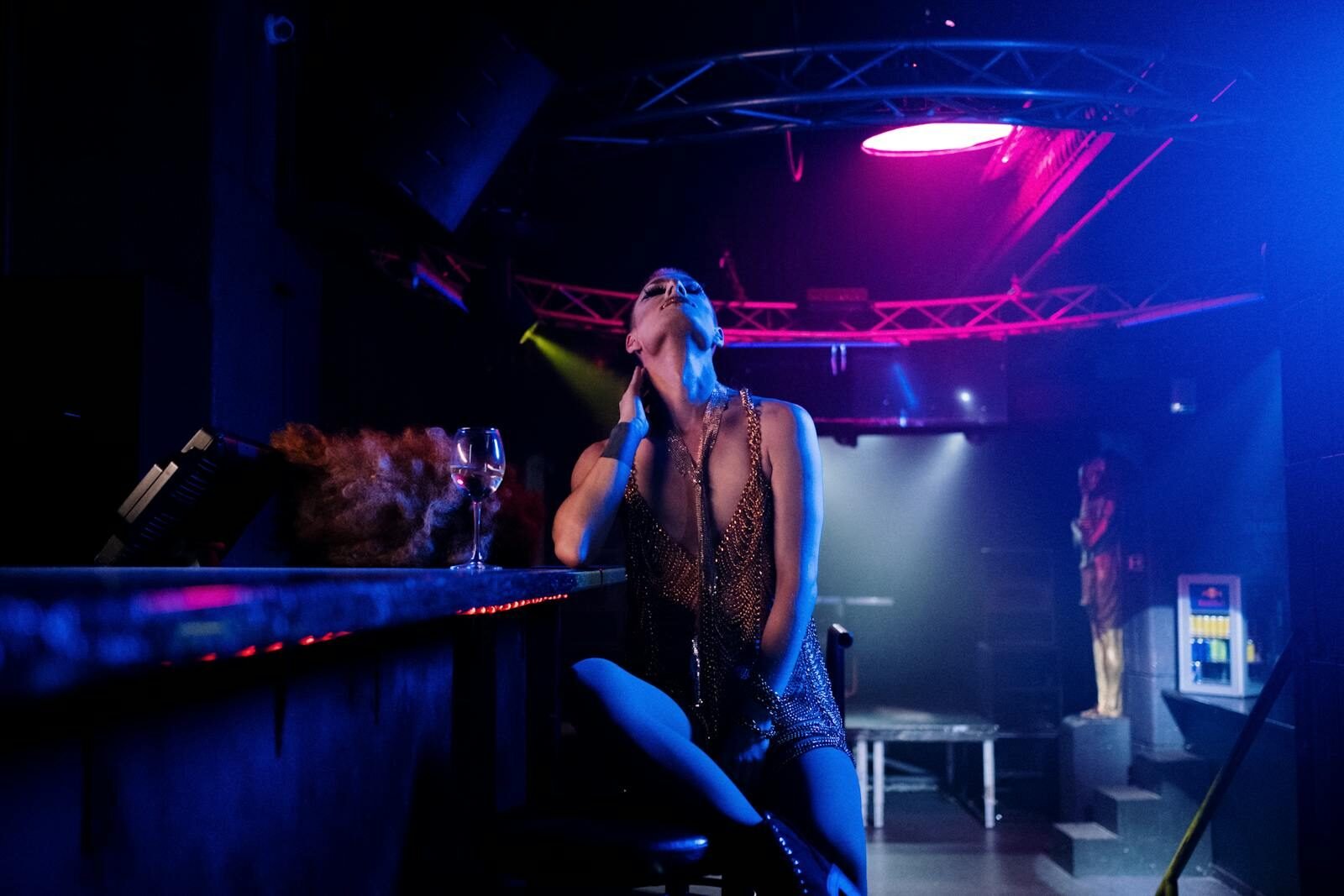
AI image generation has moved from experimental curiosity to mainstream tool in just a few years. What once required advanced technical knowledge can now be done with a simple text prompt.
From digital art and marketing visuals to character design and concept art, AI-generated images are everywhere.
Naturally, some platforms have extended these capabilities into areas that traditional AI providers restrict. These are often referred to as “NSFW AI tools” or “unrestricted AI generators.”
Before anyone gets too excited, let’s be clear: the underlying technology is the same. The difference lies in platform policies, filtering, and allowed outputs, not in some secret forbidden algorithm.
This guide will walk you through:
- How AI image generation works
- The tools available (including unrestricted ones)
- Step-by-step workflows (in a safe, generalizable way)
- Prompt techniques
- Risks, ethics, and best practices
What Are AI Image Generators?
AI image generators are systems that create images from text descriptions using machine learning.
Core Idea
You describe what you want, and the AI generates an image that matches that description.
Popular Examples
Mainstream tools include:
- Stable Diffusion
- Midjourney
- DALL·E
Some platforms apply strict filters. Others remove or relax those restrictions.
What Are “NSFW AI Tools”?
“NSFW AI tools” typically refer to platforms that:
- Allow fewer content restrictions
- Offer broader prompt interpretation
- Enable more creative freedom
These tools are often:
- Based on open-source models
- Hosted independently
- Modified versions of existing AI systems
Important distinction:
They are not fundamentally different technologies. They are different policy layers on top of the same models.
How AI Image Generation Works
Understanding this will instantly make you better at using any tool.
1. Text Prompt Input
You provide a description, such as:
- Subject
- Style
- Lighting
- Composition
The more detailed your input, the better the output.
2. Model Interpretation
The AI converts your text into mathematical representations and maps it to learned visual patterns.
3. Image Synthesis
Most modern systems use diffusion models, which:
- Start with noise
- Gradually refine it
- Produce a coherent image
4. Output Refinement
The system adjusts:
- Lighting
- Details
- Composition
Then delivers the final image.
Step-by-Step Workflow (General Method)
This is the part you actually need, without crossing into anything sketchy.
Step 1: Choose the Right Tool
You have three main options:
Hosted Platforms
- Easy to use
- Limited control
Freemium Tools
- Accessible
- Feature restrictions
Local Setup (Advanced)
- Full control
- Requires hardware and setup
Step 2: Define Your Goal
Before typing anything:
- What kind of image do you want?
- What style?
- What mood?
Clarity matters more than creativity here.
Step 3: Write an Effective Prompt
Good prompts include:
- Subject description
- Environment
- Style (realistic, cinematic, anime, etc.)
- Lighting
- Camera angle
Example Structure
Subject + Style + Environment + Lighting + Details
Step 4: Generate and Iterate
Your first output will rarely be perfect.
Refine by:
- Adjusting wording
- Adding detail
- Removing ambiguity
Step 5: Enhance the Image
Use additional tools for:
- Upscaling
- Face correction
- Detail enhancement
Prompt Engineering Techniques
This is where most people fail, then blame the AI.
Be Specific
Bad prompt:
A person in a room
Better prompt:
A detailed portrait of a person sitting in a modern room with soft lighting and realistic textures
Use Style Keywords
Examples:
- Cinematic lighting
- Photorealistic
- 4K detail
- Studio lighting
Control Composition
Include:
- Camera angle
- Depth of field
- Framing
Use Negative Prompts
Tell the AI what to avoid:
- Blurry
- Distorted
- Low quality
Tools That Allow More Creative Freedom
Some platforms are known for fewer restrictions, often built on:
- Stable Diffusion ecosystems
- Custom-trained models
- Community datasets
These tools may offer:
- Greater prompt flexibility
- Custom model loading
- Advanced controls
Local AI Image Generation (Advanced)
If you want full control, local setup is the way.
Requirements
- Decent GPU
- Installed AI framework
- Model files
Advantages
- No platform restrictions
- Full privacy
- Custom models
Disadvantages
- Technical complexity
- Hardware cost
Ethical Considerations
Here’s the part people skip and regret later.
Consent and Likeness
Avoid generating content based on real individuals without permission.
Misuse Risks
AI tools can be used irresponsibly. That doesn’t mean they should be.
Platform Responsibility
Some tools include safeguards. Others don’t. Choose accordingly.
Legal Considerations
Laws vary widely depending on region.
Key issues include:
- Copyright ownership
- Digital likeness rights
- Content regulation
The legal landscape is still evolving.
Common Mistakes Beginners Make
1. Vague Prompts
Leads to poor results.
2. Expecting Perfect First Outputs
AI requires iteration.
3. Ignoring Tool Differences
Not all generators behave the same.
4. Overloading Prompts
Too much detail can confuse the model.
Free vs Paid Tools
Free Tools
- Limited features
- Lower priority processing
Paid Tools
- Better quality
- Faster generation
- More control
Future of AI Image Generation
Expect:
- More realism
- Faster generation
- Real-time rendering
- Integration with video and VR
Also expect:
- More regulation
- More platform restrictions
Because humans cannot be trusted with powerful tools without eventually causing problems.
Conclusion
AI image generation is one of the most powerful creative tools available today. Whether used for art, design, or experimentation, it allows anyone to create high-quality visuals with minimal effort.
Tools that allow broader creative freedom exist, but they come with additional responsibility.
The real skill is not just using the tool, but understanding:
- How prompts work
- How models interpret input
- How to refine outputs
- Where ethical boundaries should be respected
Master that, and the tool becomes secondary.
FAQs
What is an AI image generator?
An AI image generator creates images from text prompts using machine learning models.
Are NSFW AI tools different from normal AI tools?
They use similar technology but apply fewer content restrictions.
Do I need technical skills to use AI image generators?
Basic tools are beginner-friendly, while advanced setups require technical knowledge.
Can I use AI-generated images commercially?
It depends on the platform and licensing terms.
What is the best AI tool for image generation?
It depends on your needs, but tools based on Stable Diffusion offer the most flexibility.